


Presenting PhET to the Whole Class
A single projected PhET simulation in front of the class can support active learning and wide engagement using whole-class inquiry, interactive demonstrations, and concept questions. This is a particularly effective approach when students do not have a computer laboratory or one-to-one devices.
Guides
Whole-class Inquiry

Inquiry-based learning doesn't require students to have their own devices – a whole class can investigate, predict, and discover together using a single projected simulation. Find practical strategies and ready-to-use example questions for sparking rich, student-driven discussions across a wide range of PhET simulations.
Whole-class Inquiry (PDF)Interactive Lecture Demonstration
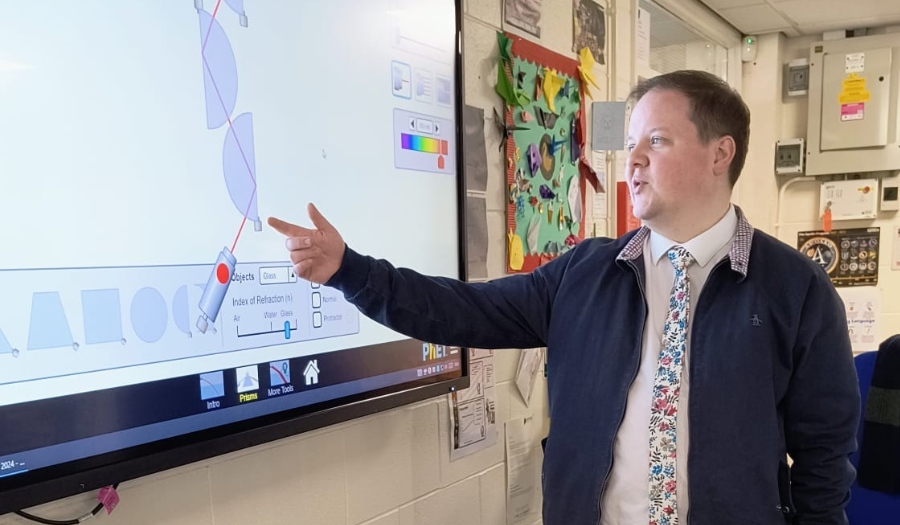
Interactive Lecture Demonstration is an active learning strategy in which students actively predict, discuss, and reflect before and after a teacher-led demonstration. Learn how to design and facilitate Interactive Lecture Demonstrations, complete with step-by-step guidance and a variety of question types to deepen student thinking.
Interactive Lecture Demonstration (PDF)Concept Questions & Peer Instruction
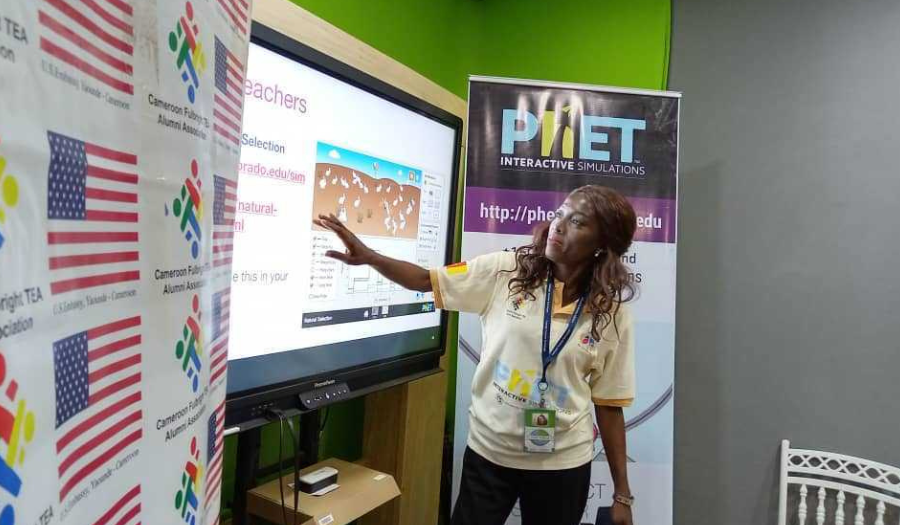
Challenging, well-crafted questions paired with structured peer discussion can transform a classroom into a space where students actively reason, debate, and teach one another. Learn how to write and use Concept Questions alongside PhET simulations, and explore practical tools and techniques for gathering student responses and fueling meaningful whole-class dialogue.
Concept Questions & Peer Instruction (PDF)Videos
PhET in Whole-group Presentations
Make your class more interactive when you use PhET sims in a whole-class setting.
PhET in Lectures: Predict Experiments
One way to use PhET in a lecture setting is to have students predict the outcome of a virtual experiment using a simulation.
Using PhET with Clicker Questions and Peer Instruction
Pairing PhET with clicker questions (multiple choice concept questions) and Peer Instruction, in which students discuss and vote on challenging questions, is an excellent way to capture interactivity inherent in the PhET sims in a large lecture setting and help students make sense of PhET. This video demonstrates strategies and example questions for pairing PhET with concept questions and peer instruction.
Explore More
Explore our Professional Learning Database (Coming Soon!) for upcoming events and additional resources.
Find whole class activities that leverage discussion prompts, interactive demonstration, and concept questions.
Read more from PhysPort: How do I increase student interactivity when using PhET sims in lecture?
Read more SERC: Interactive Lecture Demonstrations